





はじめに
「JavaScriptを勉強しているけど、何から作ったらいいかわからない…」
そんな初心者の方、多いですよね。
実はJavaScriptは、ブラウザだけで動かせるので、インストールなしですぐに試せるのが魅力です。
今回は、初心者でも数時間〜1日で完成できる「作れる物」5選と、簡単なコード例をご紹介します。
1. 時計アプリ(デジタル時計)
JavaScriptのDateオブジェクトを使えば、リアルタイムの時計が簡単に作れます。
<div id="clock" style="font-size: 2rem;"></div>

<script>
function updateClock() {
  const now = new Date();
  const h = String(now.getHours()).padStart(2, '0');
  const m = String(now.getMinutes()).padStart(2, '0');
  const s = String(now.getSeconds()).padStart(2, '0');
  document.getElementById('clock').textContent = `${h}:${m}:${s}`;
}
setInterval(updateClock, 1000);
updateClock();
</script>
ポイント
setInterval()で1秒ごとに更新padStart()で二桁表示
発展アイデア
- 背景色やフォントを変えてオシャレに
- アナログ時計にする
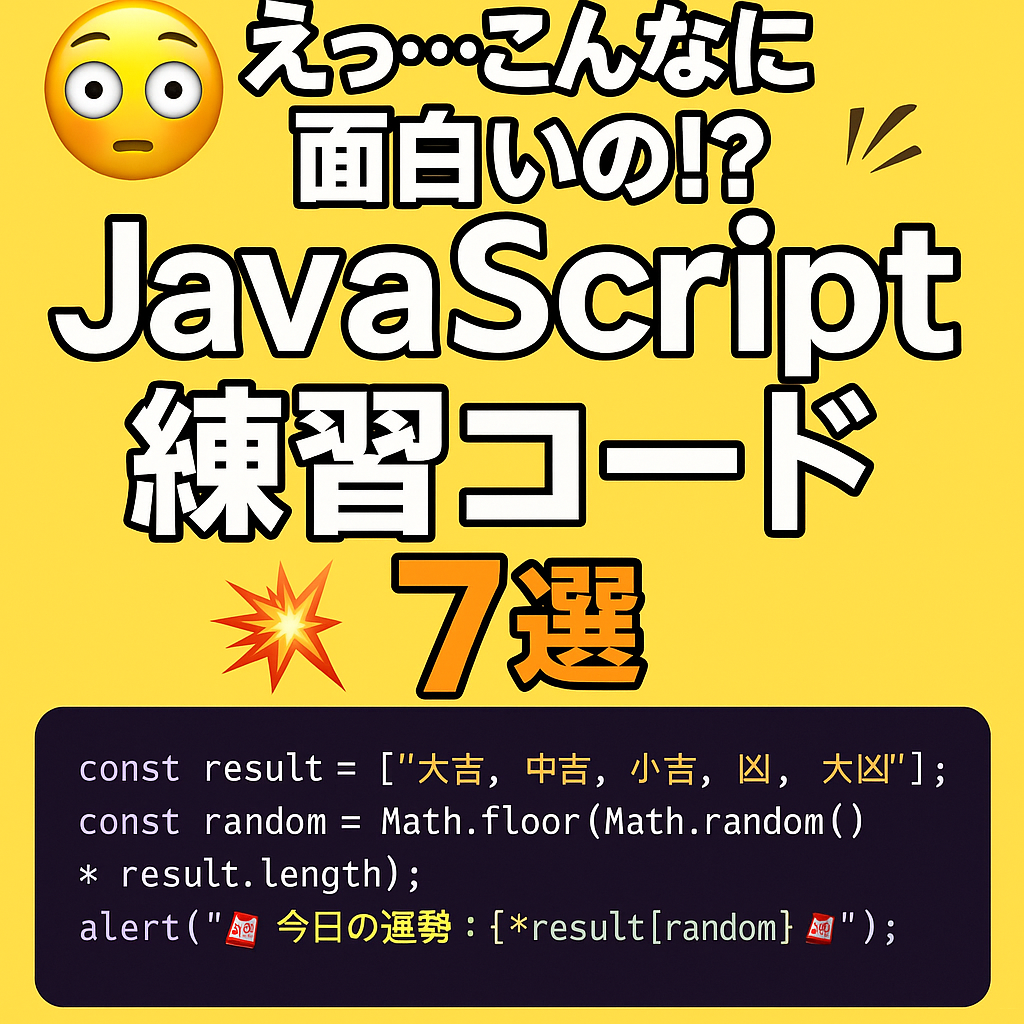
2. おみくじアプリ
配列とMath.random()を使ってランダムな結果を表示します。
<button onclick="drawFortune()">おみくじを引く</button>
<p id="result"></p>

<script>
function drawFortune() {
  const fortunes = ['大吉', '中吉', '小吉', '吉', '末吉', '凶'];
  const result = fortunes[Math.floor(Math.random() * fortunes.length)];
  document.getElementById('result').textContent = `あなたの運勢は… ${result}!`;
}
</script>
ポイント
Math.random()で0〜1の乱数を作成Math.floor()で小数切り捨て
発展アイデア
- 占い結果ごとに色や背景を変える
3. ToDoリスト(簡易版)
入力した内容をリストに追加するだけでも十分楽しいです。
<input id="task" placeholder="やることを入力">
<button onclick="addTask()">追加</button>
<ul id="list"></ul>

<script>
function addTask() {
  const taskValue = document.getElementById('task').value;
  if (taskValue.trim() === '') return;
  const li = document.createElement('li');
  li.textContent = taskValue;
  document.getElementById('list').appendChild(li);
  document.getElementById('task').value = '';
}
</script>
ポイント
document.createElement()で要素を作るappendChild()で追加
発展アイデア
- 完了ボタンで取り消し線を入れる
- LocalStorageに保存して次回も表示
4. 色変えボタン
クリックすると背景色が変わるシンプルな仕組みです。
<button onclick="changeColor()">色を変える</button>

<script>
function changeColor() {
  const colors = ['#ff9999', '#99ccff', '#99ff99', '#ffff99'];
  document.body.style.backgroundColor =
    colors[Math.floor(Math.random() * colors.length)];
}
</script>
ポイント
style.backgroundColorで色変更- ランダム選択で飽きない
発展アイデア
- グラデーション背景にする
- 一定時間ごとに色を変える
5. シンプルクイズ
問題を出して正解・不正解を判定します。
<p>JavaScriptで変数を作るキーワードは?</p>
<button onclick="checkAnswer('var')">var</button>
<button onclick="checkAnswer('make')">make</button>

<p id="quizResult"></p>

<script>
function checkAnswer(answer) {
  const correct = 'var';
  document.getElementById('quizResult').textContent =
    answer === correct ? '正解!' : '残念…';
}
</script>
ポイント
===で厳密比較- 短いif文で簡潔に
発展アイデア
- 問題を配列にして複数出題
- 正答数のカウント
まとめ
初心者がJavaScriptを学ぶときは、**「動くものを作ってみる」**のが一番の近道です。
今回の5つは、ブラウザの<script>タグに直接書くだけで動きます。
まずは真似して動かし、慣れてきたら見た目や機能をアレンジしてみましょう。
少しずつでも、自分の手で形にできる喜びを味わってください!